 Using Weatherflow
WEATHERmeter
Using Weatherflow
WEATHERmeter
Using Weatherflow
WEATHERmeter
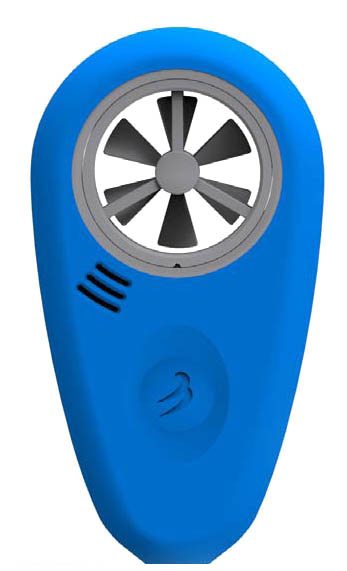
1. Install and Start Weatherflow app
(for
Android, for
iOS) and
calibrate WEATHERmeter compass according instructions:
http://help.weatherflow.com/hc/en-us/articles/208712657
2. Start
Strelok Pro, face WEATHERmeter to the target and tap Calibrate button.
Strelok Pro will store target azimuth. Be
sure what blades spinning from wind or blow into the meter.
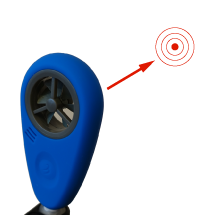
3. Face meter to the wind and Strelok Pro will show wind direction in relation of target azimuth
Solving issues with Weatherflow WeatherMeter connection
1. You don’t need to create a Bluetooth pair with Weatherflow WEATHERmeter. If you created, delete it.
2. Some devices on Android needs location service to be turned on to use Bluetooth (I don't know why). Turn GPS on.
3. Weatherflow app can stay in background and keep Bluetooth port. Check settings of Weatherflow app (if installed) and turn background mode off
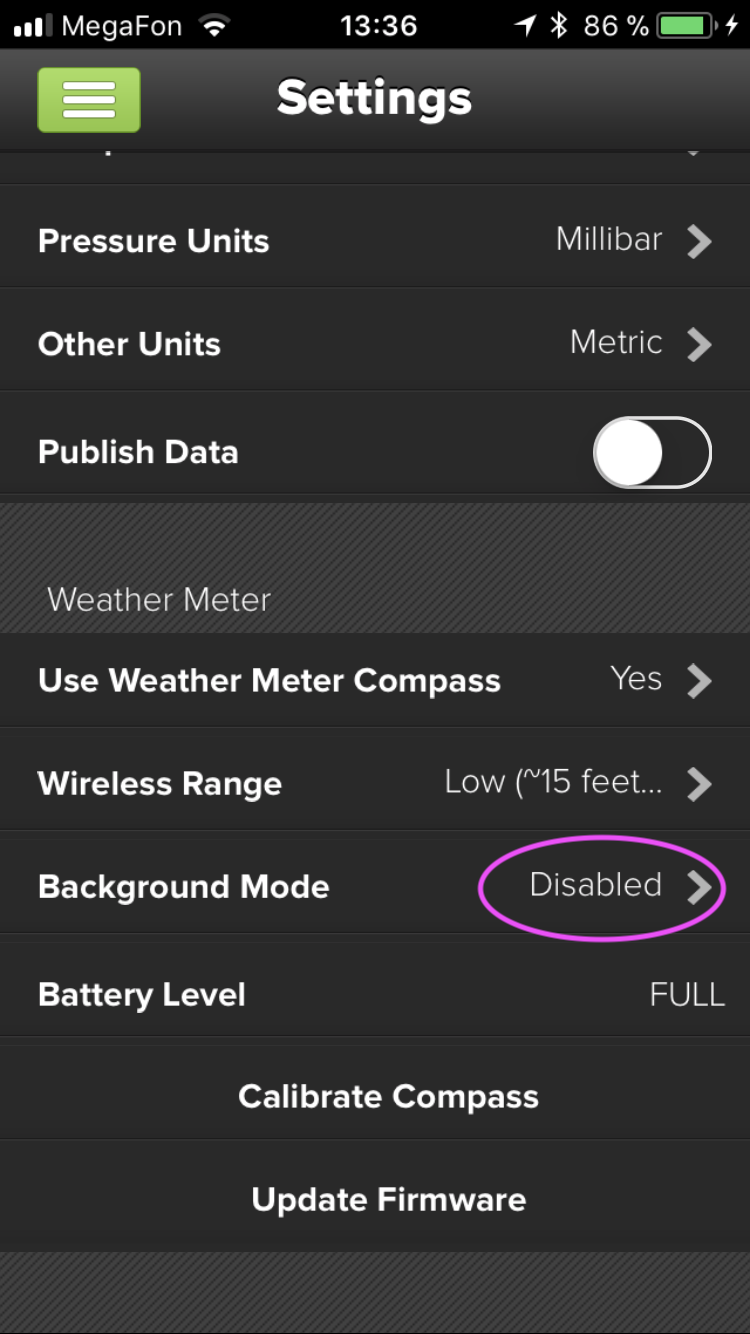
4. Delete Weatherflow app if it not used
5. Turn Bluetooth on and off
6. Clear Bluetooth cache (Android)
7. Restart the phone
8. Unistall and install again Strelok Pro if all items above does not help
Note for Android 12 phone owners. Make sure what Strelok Pro has granted permission to access nearby devices via Bluetooth.
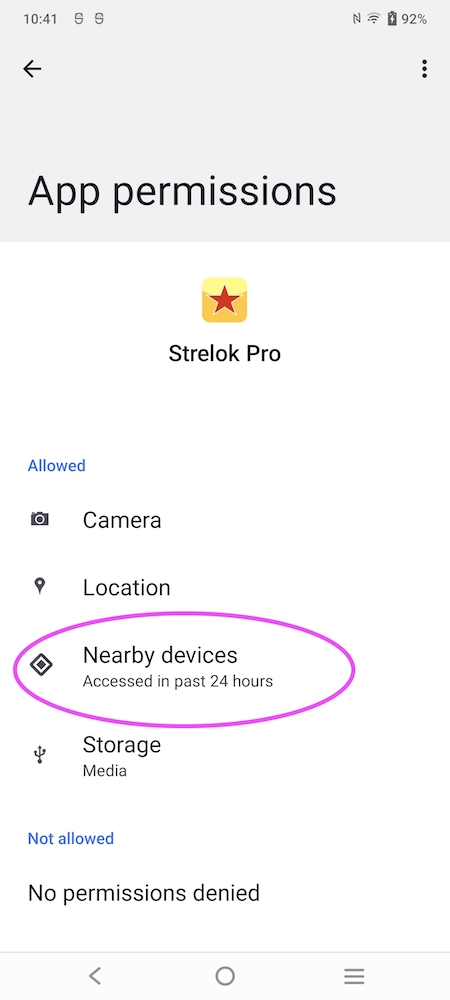
Notes
After some modification you can use Kestrel vane for the WEATHERmeter (see photo).
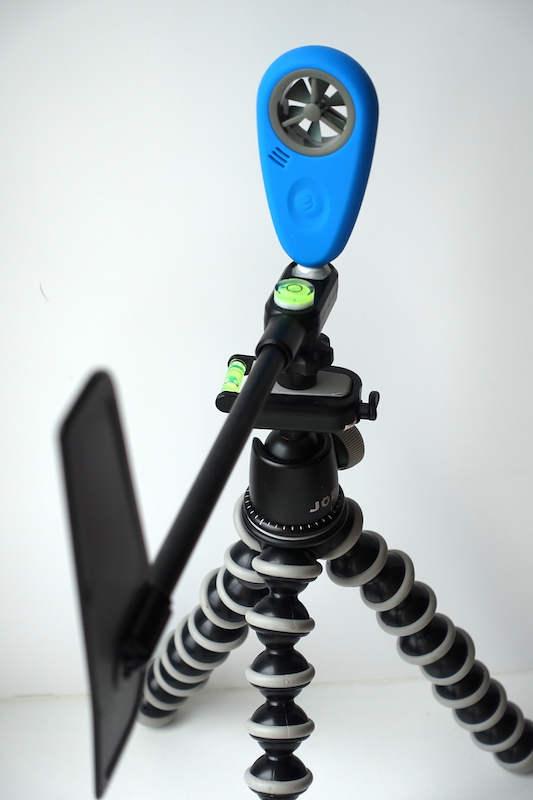
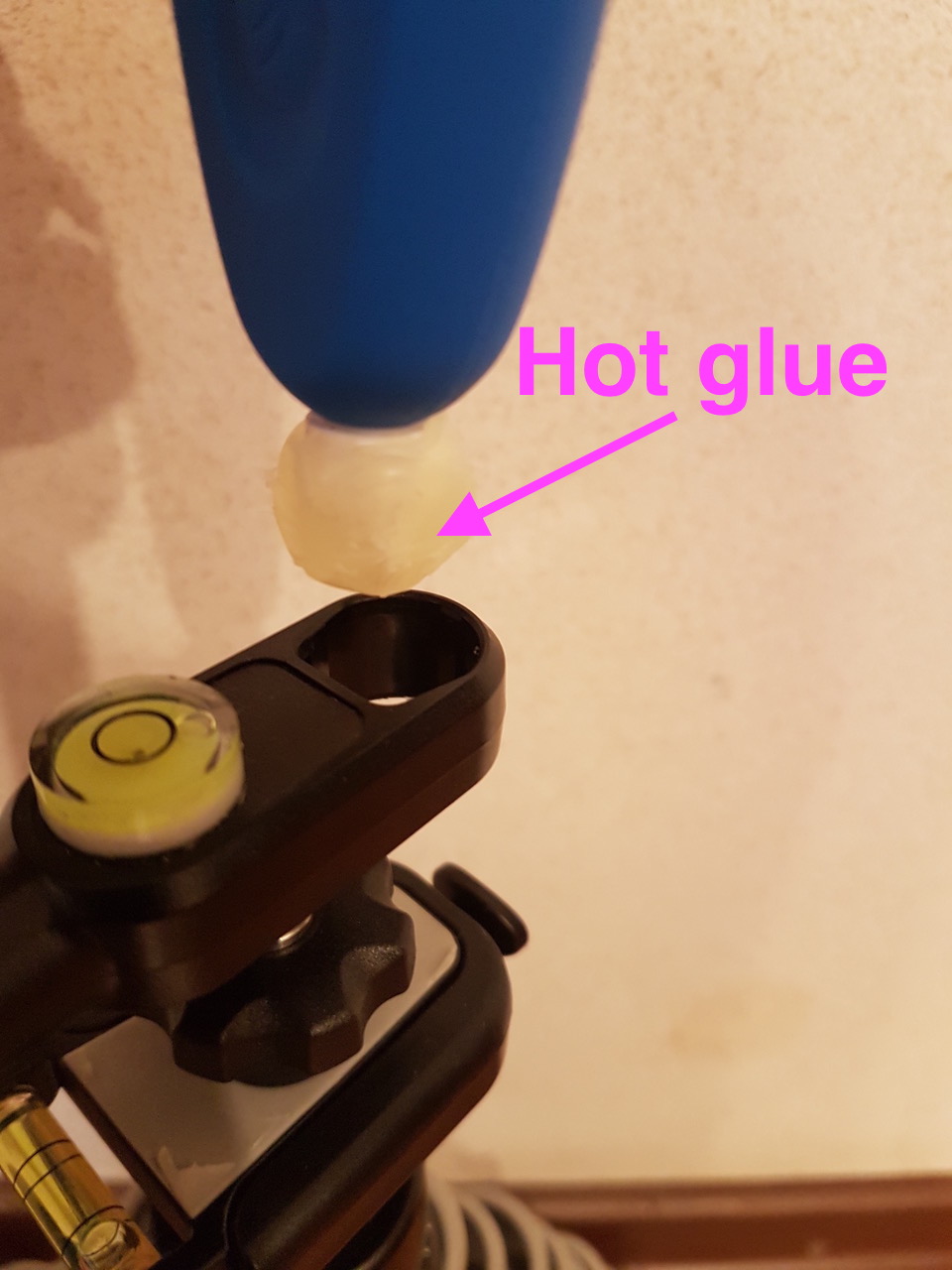
Another way - Davis vane https://www.youtube.com/watch?v=p73NB85T09A
Good video from Richard Utting: https://www.youtube.com/watch?v=k9HnZPRsqr0
Another good video: Strelok Pro with WeatherMeter and reticle simulation
DIY Windfahne für WeatherFlow WeatherMeter (German)
See also: Strelok for iPhone, Strelok for Android and Strelok Pro (iPhone) and Strelok Pro (Android)
E-mail me: igor@borisov.mobi (russian, english)